
Suggestion messages
Overview
Suggestion messages add interactivity to your Viber messages by providing users with clickable buttons and action options. These interactive elements guide users toward specific actions like visiting your website or making a call. Only 1 button is possible per message. All suggestion messages are categorized as promotional due to their marketing and engagement-focused nature.
Rules and restrictions
The following actions are supported by Viber as rich card buttons:
| Action | Remarks |
|---|---|
| OpenURL | Maximum length of label is 30 characters, URL required. |
| Dial | Maximum length of label is 30 characters, phone number required. |
The following restrictions apply for a suggestion:
| Field | Required | Remarks |
|---|---|---|
| label | Yes | Maximum length is 30 characters. |
| url | Only for OpenURL | Must be a valid URL |
| phoneNumber | Only for Dial | Must be a valid phone number |
Suggestion message with openURL example
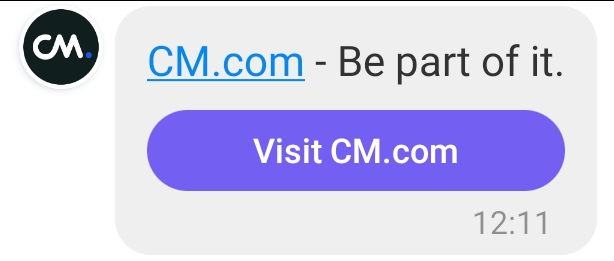
In the example below, we send a suggestion message that contains elements that Viber will display as an open URL action.
{
  "messages": {
    "msg": [
      {
        "from": "Your sender",
        "to": [
          {
            "number": "Phone number"
          }
        ],
        "allowedChannels": [
          "Viber"
        ],
        "body": {
          "type": "auto",
          "content": ""
        },
        "richContent": {
          "conversation": [
            {
              "text": "CM.com - Be part of it.",
              "suggestions": [
                {
                  "action": "OPENURL",
                  "label": "Visit CM.com",
                  "url": "https://www.cm.com/",
                  "postbackdata": "WEBSITE"
                }
              ]
            }
          ]
        }
      }
    ]
  }
}
Suggestion message with dial action example
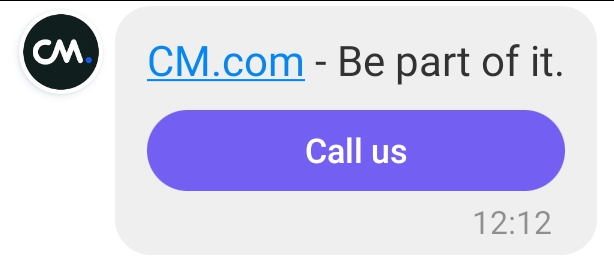
In the example below, we send a suggestion message that contains elements that Viber will display as a dial action.
{
  "messages": {
    "msg": [
      {
        "from": "Your sender",
        "to": [
          {
            "number": "Phone number"
          }
        ],
        "allowedChannels": [
          "Viber"
        ],
        "body": {
          "type": "auto",
          "content": ""
        },
        "richContent": {
          "conversation": [
            {
              "text": "CM.com - Be part of it.",
              "suggestions": [
                {
                  "action": "DIAL",
                  "label": "Call us",
                  "dial": {
                  	"phoneNumber": "0031612345678"
                  },
                  "postbackdata": "DIAL"
                }
              ]
            }
          ]
        }
      }
    ]
  }
}
Suggestion message with video and (action) button
A suggestion message can include a video. Two variations are supported, and the presence of a URL on the suggestion is what selects between them:
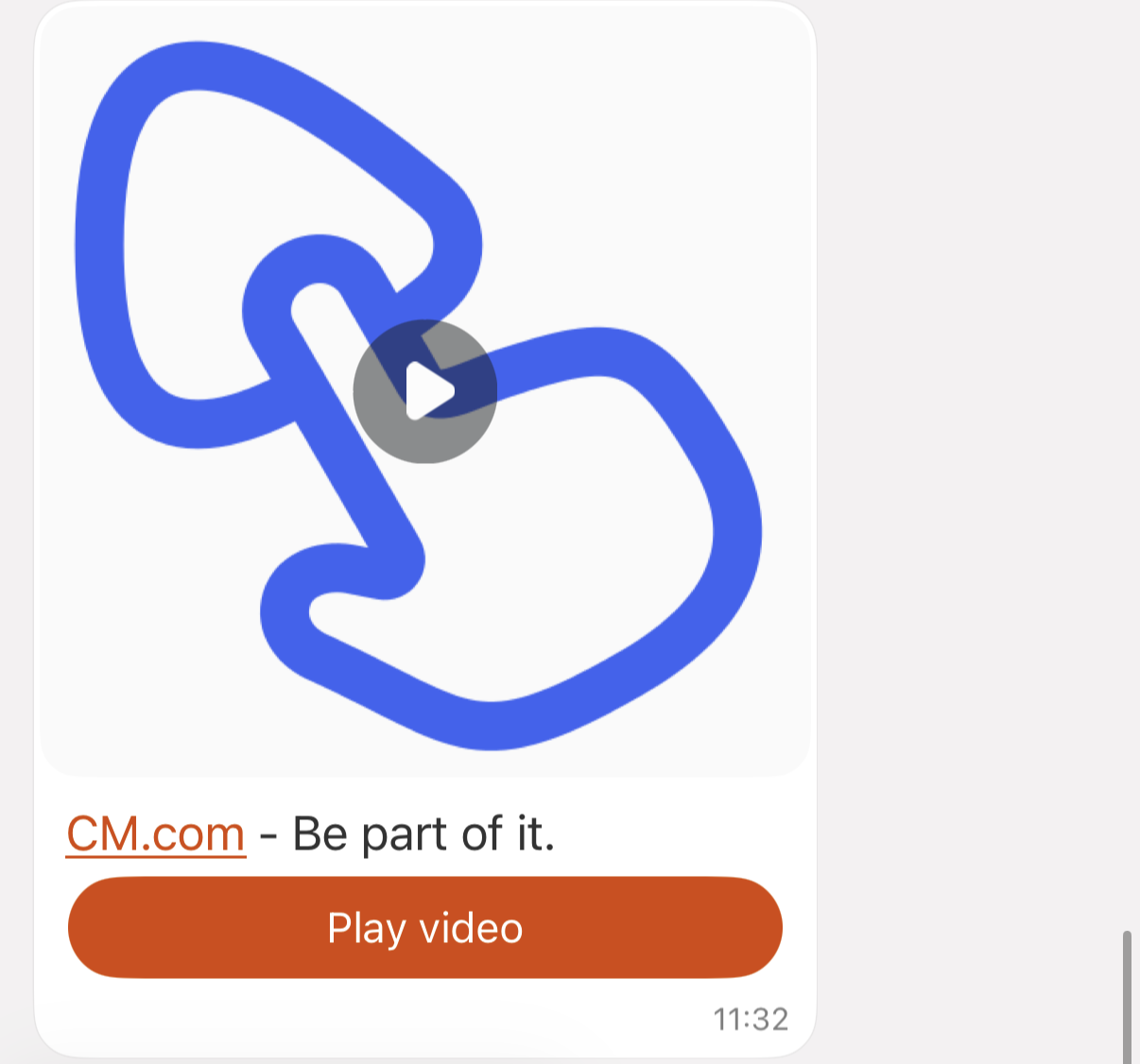
- Video button: the suggestion has no url. Clicking the button plays the video.
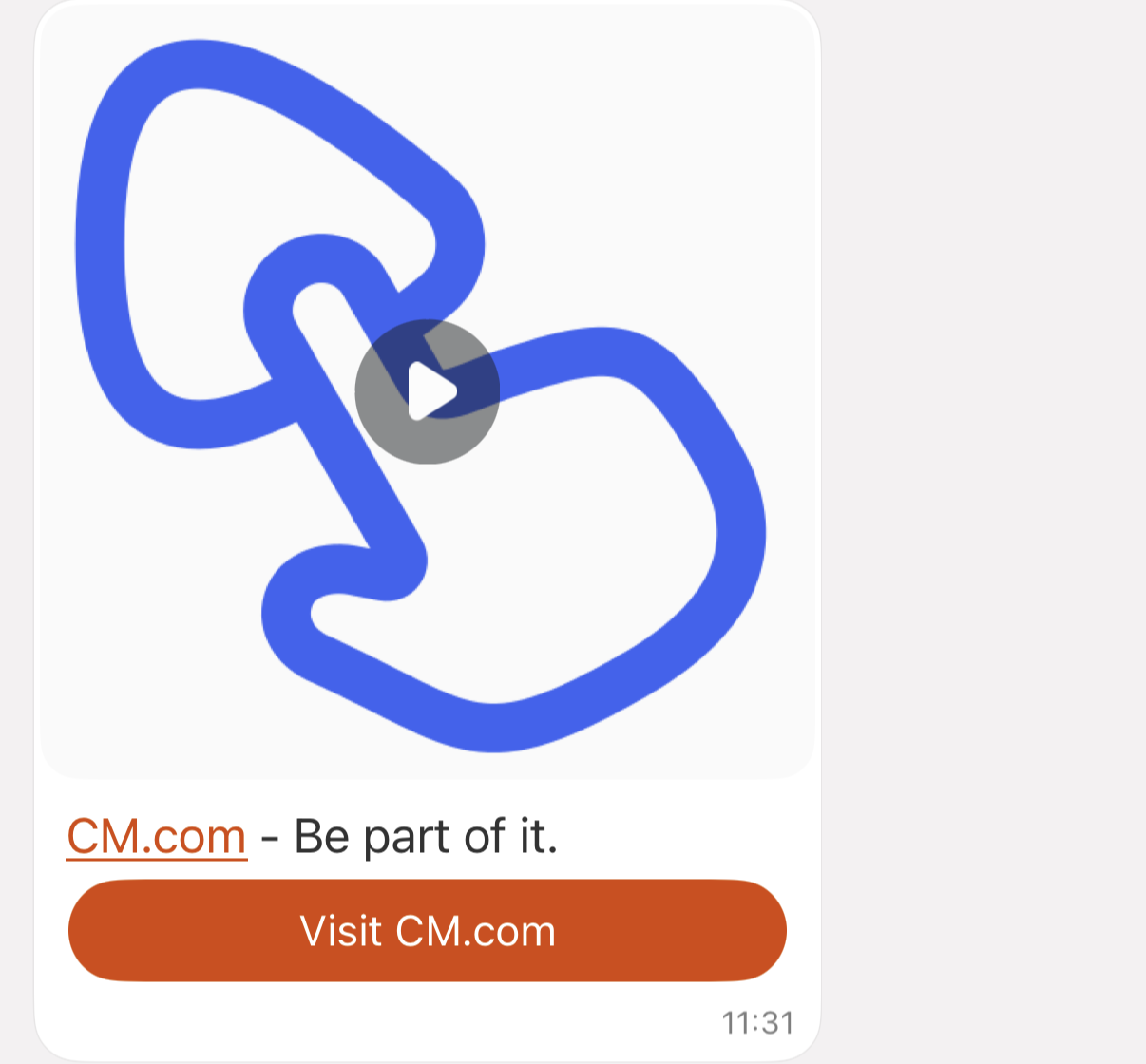
- Video action button: the suggestion has a URL. Clicking the button opens that external URL, the video is shown in the message body.
Like all suggestion messages, these are classified as promotional and allow only 1 button per message.
Rules and restrictions
| Action | Remarks |
|---|---|
| OpenURL | Label max 30 characters. URL optional: omit it for a video button (plays the video), include it for a video action button (opens the URL). |
Note: Dial is not supported in combination with a video. Only OpenURL is allowed.
The following restrictions apply:
| Field | Required | Remarks |
|---|---|---|
| text | Yes | Message body text |
| media.mediaUri | Yes | Must point to a video (for example .mp4) |
| media.mimeType | Yes | Mimetype of the video |
| media.mediaName | Yes | - |
| label | Yes | Max 30 characters |
| URL | No | Omit for a video button, include for a video action button |
In the example below, we send a suggestion message that contains a video button (button plays the video).
{
    "messages": {
        "msg": [
            {
                "from": "Your sender",
                "to": [
                    {
                        "number": "Phone number"
                    }
                ],
                "allowedChannels": [
                    "Viber"
                ],
                "body": {
                    "type": "auto",
                    "content": ""
                },
                "richContent": {
                    "conversation": [
                        {
                            "text": "CM.com - Be part of it.",
                            "media": {
                                "mediaUri": "your-video.mp4",
                                "mimeType": "video/mp4",
                                "mediaName": "your-video.mp4"
                            },
                            "suggestions": [
                                {
                                    "action": "OPENURL",
                                    "label": "Play video"
                                }
                            ]
                        }
                    ]
                }
            }
        ]
    }
}
In the example below, we send a suggestion message that contains a video and an action button (button opens the URL).
{
    "messages": {
        "msg": [
            {
                "from": "Your sender",
                "to": [
                    {
                        "number": "Phone number"
                    }
                ],
                "allowedChannels": [
                    "Viber"
                ],
                "body": {
                    "type": "auto",
                    "content": ""
                },
                "richContent": {
                    "conversation": [
                        {
                            "text": "CM.com - Be part of it.",
                            "media": {
                                "mediaUri": "your-video.mp4",
                                "mimeType": "video/mp4",
                                "mediaName": "your-video.mp4"
                            },
                            "suggestions": [
                                {
                                    "action": "OPENURL",
                                    "label": "Visit CM.com",
                                    "url": "https://www.cm.com/",
                                    "postbackdata": "WEBSITE"
                                }
                            ]
                        }
                    ]
                }
            }
        ]
    }
}
Updated about 2 months ago