
Text messages
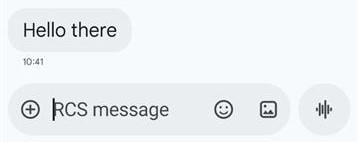
You can send text messages over RCS Business Messaging by adding a text object containing your message to the conversation bubble.
Text Requirements
SMS Fallback
If your recipient is not RCS-capable, they can receive an SMS message with fallback text instead. To enable this fallback option, contact your account representative for configuration assistance.
Message Length
A Basic Message has a maximum length of 160 UTF-8 characters. If the message contains more than 160 characters, it becomes a Single message.
Character Count Considerations
When constructing your message, keep the following in mind:
- Standard UTF-8 characters count as 1 byte each
- Special characters, emoji, and multi-byte character sets may consume 2-4 bytes (or more) per character
- These multi-byte characters count against your 160-character limit accordingly
Example: A message with 80 standard characters and 20 emojis could exceed the Basic Message limit, as each emoji may consume multiple bytes.
Link Previews
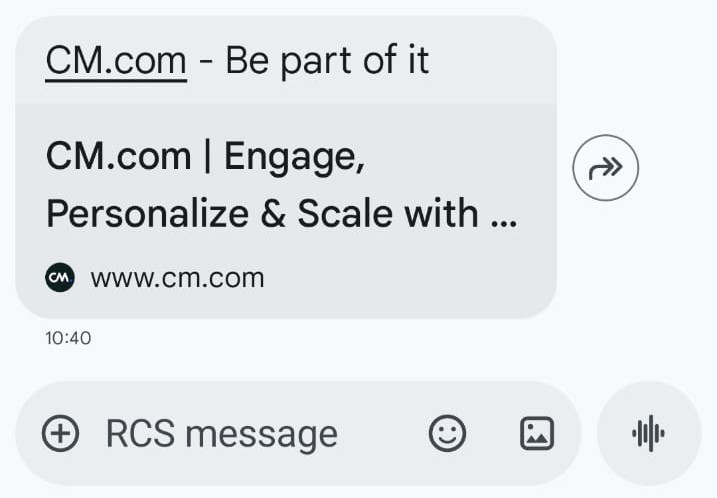
RCS clients may automatically generate link previews for URLs included in text-only messages. When a Basic Message contains a website URL, RCS can display a preview image, providing a richer user experience.
Text message example
{
   "messages":{
      "msg":[
         {
            "from":"RCS Sender Name",
            "allowedChannels":["RCS"],
            "body":{
               "type":"auto",
               "content":"Fallback text"
            },
            "to":[
               {
                  "number":"0031612345678"
               }
            ],
            "richContent":{
               "conversation":[
                  {
                     "text":"A RCS text message"
                  }
               ]
            }
         }
      ]
   }
}
Updated 10 months ago